The Tasks Module: a configurable workflow engine for modern warehouses
Go beyond fixed barcode scanning. Automate decisions, guide your team and adapt every warehouse process, from handheld scanners to packing benches, all within one configurable framework.

 Configurable Workflows
- Intelligent Automation
- Continuous Improvement
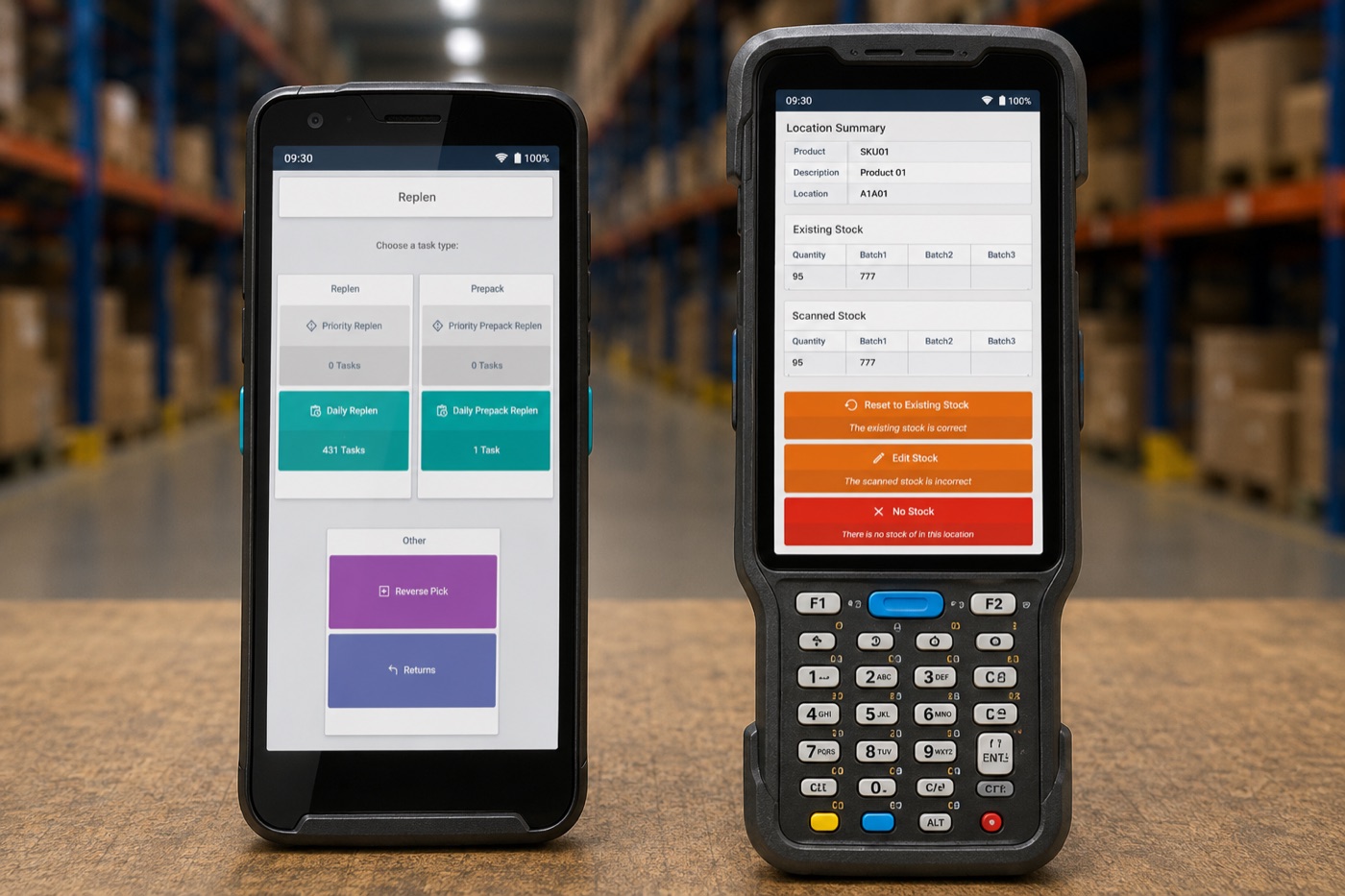
Configurable workflows built around your operation
The challenge
- Fixed workflows
- Manual decisions
- Standard screens
- Costly development
The Tasks Module
- Configurable Workflow Engine
- Intelligent automation
- Tailored interfaces
- Flexible workflow changes
The result
- Operational efficiency
- Faster processing
- Better user adoption
- Lower long-term costs
Most warehouse management systems provide standard barcode scanning workflows for activities such as receiving, put-away, picking and despatch. While effective, these predefined processes are often rigid, offering limited flexibility to adapt as operational requirements change.
The Tasks Module takes warehouse process management beyond traditional barcode scanning. Rather than forcing users through fixed screens and predefined workflows, it allows processes to be tailored around your operation.
At its core, the Tasks Module is a Configurable Workflow Engine. It powers warehouse activities across handheld scanners, touchscreen devices, packing benches and workstation environments, supporting both barcode-driven and non-scanning activities within a single flexible framework.
Powerful features. Practical benefits
Whether you're streamlining barcode scanning, automating routine decisions or creating entirely bespoke operational processes, the Tasks Module provides the flexibility and control to optimise performance today while supporting future growth.
Configurable screens & prompts
Guide users with colour-coded buttons, intelligent prompts, configurable data capture fields and table-based displays that simplify complex warehouse processes.
Automated decision logic
Reduce manual input by automating routine decisions such as put-away selection, workflow routing, documentation and customer-specific business rules.
Barcode scanning & beyond
Manage barcode-driven and non-scanning activities, including stock movements, order fulfilment, value-added services and warehouse administration, within a single configurable framework.
Continuous improvement
Refine and enhance workflows after go-live, helping your warehouse adapt to changing operational requirements without major redevelopment.
Built for flexibility
Create and customise workflows for receiving, put-away, picking, packing, repacking, despatch and virtually any other warehouse process.
User friendly design & experience
Intuitive layouts, guided workflows and simplified interfaces help operators work faster, reduce errors and minimise training time.
More than barcode scanning
Barcode scanning is only one part of a modern warehouse operation. Many critical activities, such as quality inspections, value-added services and operational administration, take place away from the scanner, yet they are just as important to an efficient warehouse.
That's why barcode scanning is just one application of the Tasks Module. Tasks can be deployed across a wide range of warehouse environments and activities, ensuring every stage of your operation is managed in a consistent, intuitive way.
Deployed everywhere your warehouse operates:
The technology behind the Tasks Module
Behind every Task is our Configurable Workflow Engine, the technology that powers the Tasks Module.
Rather than relying on fixed barcode scanning screens or hard-coded warehouse processes, the engine allows workflows to be built using a series of configurable process nodes. Each node represents a specific action, decision or interaction within the warehouse, creating a flexible workflow that can be adapted to individual operational requirements, with the ability to add new steps over time without redesigning the entire process.
This intelligent workflow logic enables warehouses to automate routine decisions such as put-away selection, stock status allocation, documentation print-outs, customer-specific rules and exception handling, reducing manual input while maintaining complete operational control.
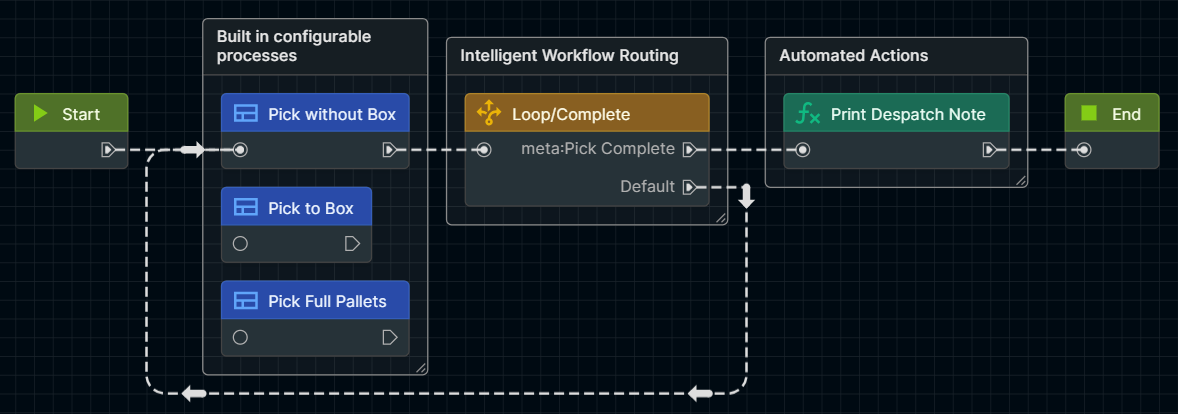

Configurable process nodes
Every Task is built from configurable process nodes that define actions, user interactions and system logic. This modular approach allows workflows to be tailored to individual warehouse operations.

Intelligent workflow routing
Decision points and business rules automatically guide users through the correct workflow, triggering alternative paths, automation and customer-specific processes based on real-time activity.

Continuous evolution
Because Tasks are built within a flexible framework, workflows can be refined, expanded and optimised over time without lengthy redevelopment, helping your warehouse adapt as operational requirements change.
Real-world Tasks examples
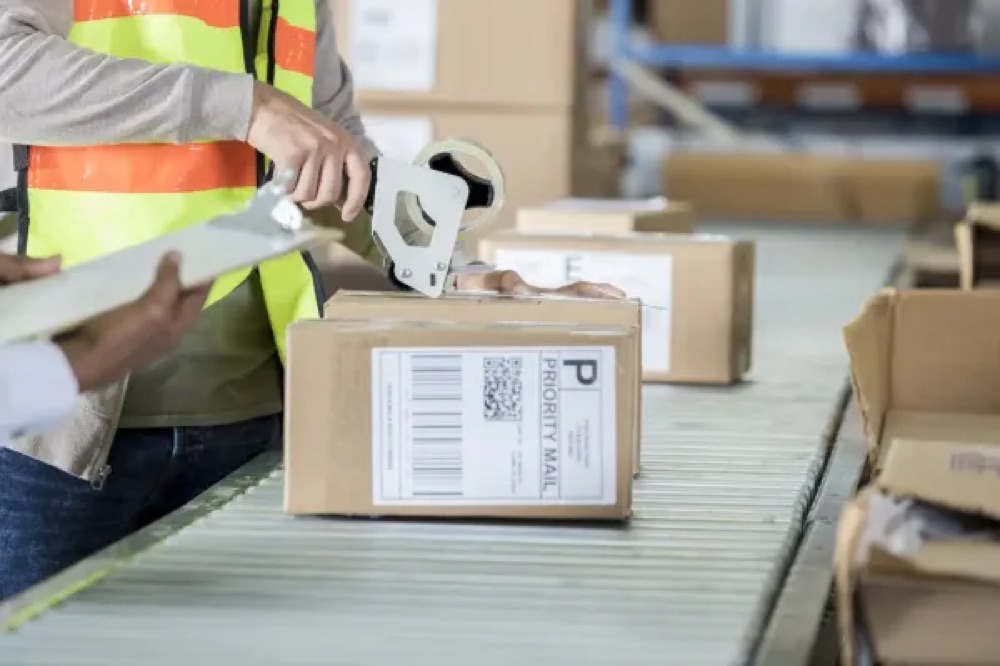
Complex repacking & warehouse logic
Custom repacking workflows, strict storage rules and automated tote movement built for complex operations.
"We needed a workflow that could support our unique repacking process and warehouse rules. Optima designed a bespoke Task that automated key decisions behind the scenes, giving our team a simpler process while improving consistency and operational control."
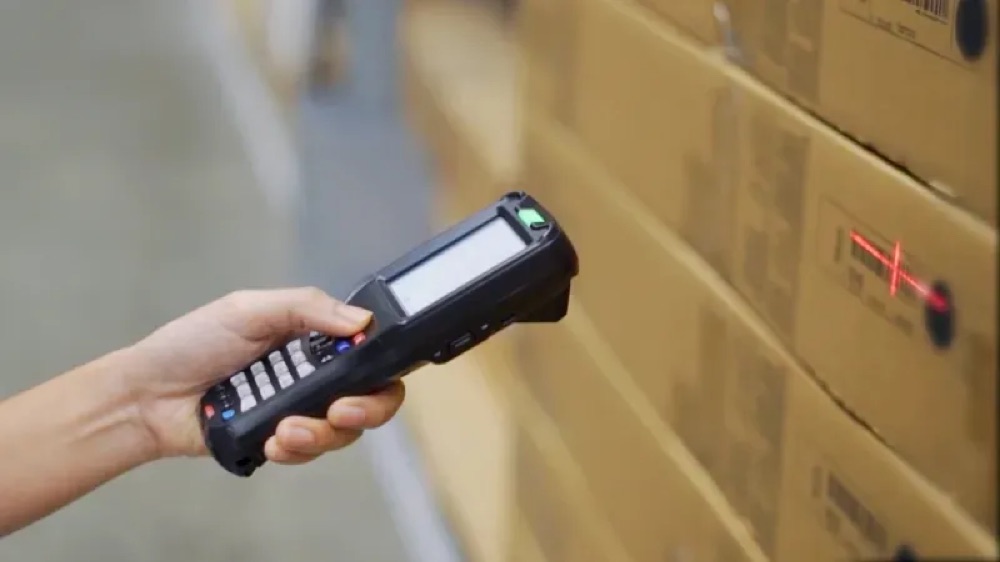
Combined pick, pack & despatch
Consolidated picking, packing and despatch into a single workflow for reduced handling and faster fulfilment.
"We wanted to simplify fulfilment and remove unnecessary handling between picking, packing and despatch. Optima combined these activities into a single guided Task, helping us streamline fulfilment, improve traceability and reduce processing time."
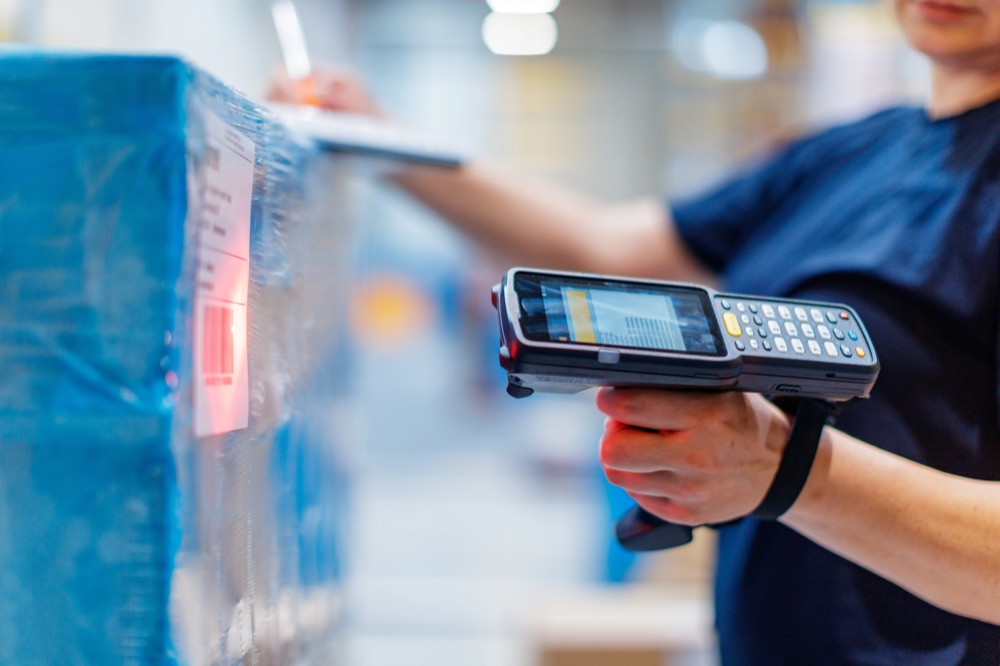
Simplified goods-in processing
Exception-based workflow reducing unnecessary scanning and speeding up inbound operations.
"Our inbound process involved too many unnecessary scans and manual input. Optima redesigned the workflow using exception-based processing, reducing receiving time while maintaining complete visibility of stock discrepancies."
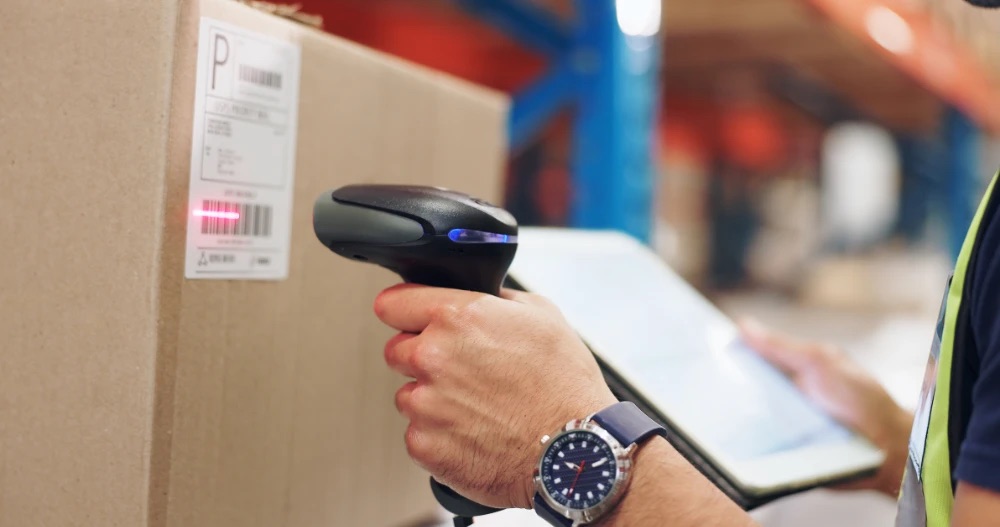
Automated customer charging
Automatically capture and apply customer-specific charges during warehouse processes.
"Applying customer charges created additional administration. We asked if warehouse charges could be applied as work was completed, not afterwards. Optima responded promptly and embedded charging directly into our Task workflow, reducing administration, improving billing accuracy and removing manual follow-up."
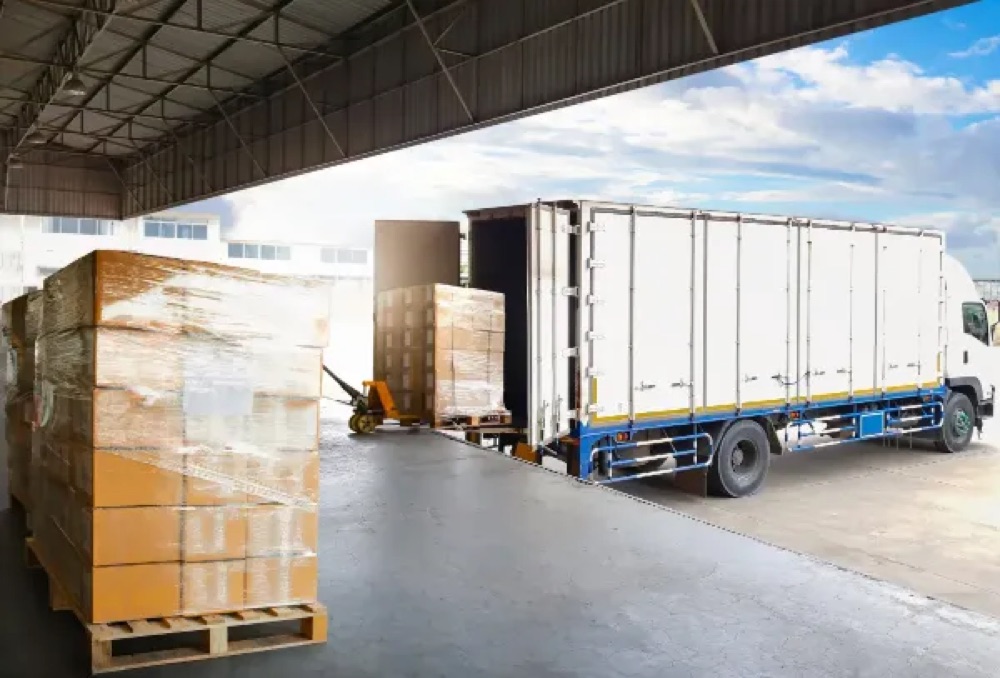
Warehouse loading visibility
Real-time progress indicators and dashboards improving visibility of van loading and despatch activities.
"Our vehicle loading process lacked real-time visibility. Optima created a simple, colour-coded Task, alongside a real-time dashboard widget that displayed loading progress and outstanding work. Together, they gave operators and supervisors the ability to monitor progress at a glance while improving traceability and overall operational control."
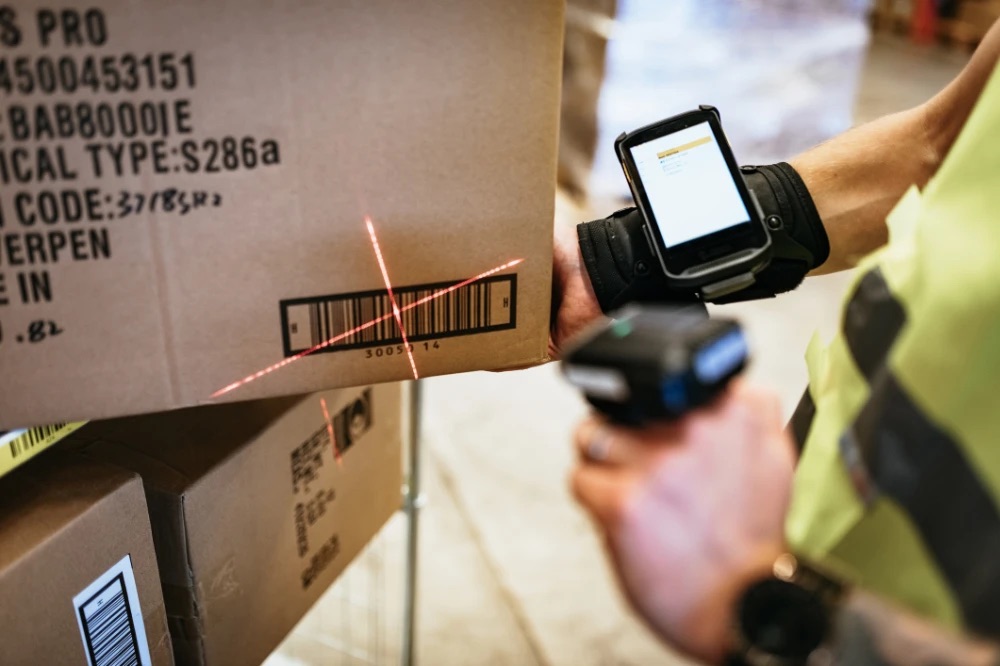
Streamlined cycle counts
Simplify stock counting with clear data capture, easy-to-follow workflows and improved discrepancy visibility.
"We needed a more controlled cycle counting process that provided greater visibility of stock discrepancies before adjustments were made, while also capturing batch information during counts. Optima designed a streamlined, scan-based Task with clear table displays and simple action buttons, making the process easier to follow while improving accuracy, efficiency and stock control."
Go deeper into the Optima stack

Replacing your WMS: why switch to Optima
Outdated technology, limited functionality or poor support? Replace your outdated WMS with Optima: flexible, connected, user-friendly software backed by real UK support.


Struggling to find a WMS that solves a problem?
Most WMS handle the basics, but unique operations often need more than a standard solution. See how Optima tailors process flows around specialist requirements.

Introducing the Optima WMS Consumables Module
Don't overlook your warehouse's unsung hero. See how tracking consumables protects margin and keeps packing operations running.

Optima fully integrated with Shopify
Connect your online store directly to the warehouse floor, syncing orders and stock without double data entry.

Sustainable warehousing
Future-proofing your supply chain with Optima WMS: reduce waste, cut unnecessary movement and operate more efficiently.

Is complexity killing your 3PL profitability?
Why your WMS must master advanced invoicing to protect margin across multiple clients, pricing models and service agreements.
Your questions answered
The Tasks Module is Optima's configurable workflow engine. Rather than forcing every warehouse activity through fixed, predefined screens, it lets you build and adjust barcode-driven and non-scanning processes around how your operation actually works.
Yes. Every workflow in the Tasks Module is built from configurable process nodes, so screens, prompts, data capture fields and decision logic can be tailored to your specific operation rather than relying on a standard, one-size-fits-all screen.
Yes. Because Tasks are built within a flexible framework rather than being hard-coded, workflows can be refined, expanded or reconfigured after go-live as your operational requirements change. Many changes can be made by our UK-based support team without the need for a full redevelopment project.
Yes. Built-in business rules and decision points can automate routine choices such as put-away selection, stock status allocation, documentation and customer-specific rules, reducing manual input while keeping your team in control.
Yes. Tasks is our barcode scanning module, providing the framework for managing barcode-driven warehouse workflows. However, barcode scanning is only one part of what the Tasks Module can manage. The same flexible framework can also support non-scanning activities such as quality checks, value-added services and administration.
Yes. The Tasks Module is well suited to 3PL operations, where different clients often need different processes. Workflows, business rules and customer-specific charging can all be configured per client within the same system.
Tasks can be created for receiving, put-away, picking, packing, repacking, despatch and most other warehouse processes, whether they happen at a handheld scanner, a touchscreen device, a packing bench or a workstation.
By replacing fixed, generic screens with configurable, guided workflows, and by automating routine decisions rather than leaving them to manual judgement. In practice this means faster processing, fewer errors and shorter training time for new or seasonal staff.
Yes. The Tasks Module can be extended to work alongside third-party devices and automation systems as part of a wider warehouse setup, in addition to handheld scanners and touchscreen interfaces.
Traditional WMS scanning workflows are usually fixed and primarily barcode-driven. The Tasks Module is a configurable workflow engine: workflows can be tailored to your operation, decisions can be automated, and both scanning and non-scanning activities are supported within a single framework, without needing custom development for every change.
It is the technology behind the Tasks Module. Every Task is built from configurable process nodes, each representing an action, decision or interaction, which are connected together with intelligent workflow routing to guide users and trigger automation based on real-time activity.
Because Tasks are built from configurable process nodes rather than hard-coded screens, changes are generally quicker to make than with a traditional WMS, which often needs custom development. Speak to your Optima contact about timescales for your specific change.
Ready to build a more flexible warehouse?
Whether you need bespoke warehouse workflows, automated processes, touchscreen task management or greater operational agility, the Tasks Module can help.

